Changes
Page history
Capybara animations
authored
Sep 23, 2023
by
Ticxo
Show whitespace changes
Inline
Side-by-side
Modeling/Animating-a-Model.md
View page @
0277f7ae
...
@@ -71,19 +71,18 @@ Let's add some animations to the model we made before.
...
@@ -71,19 +71,18 @@ Let's add some animations to the model we made before.
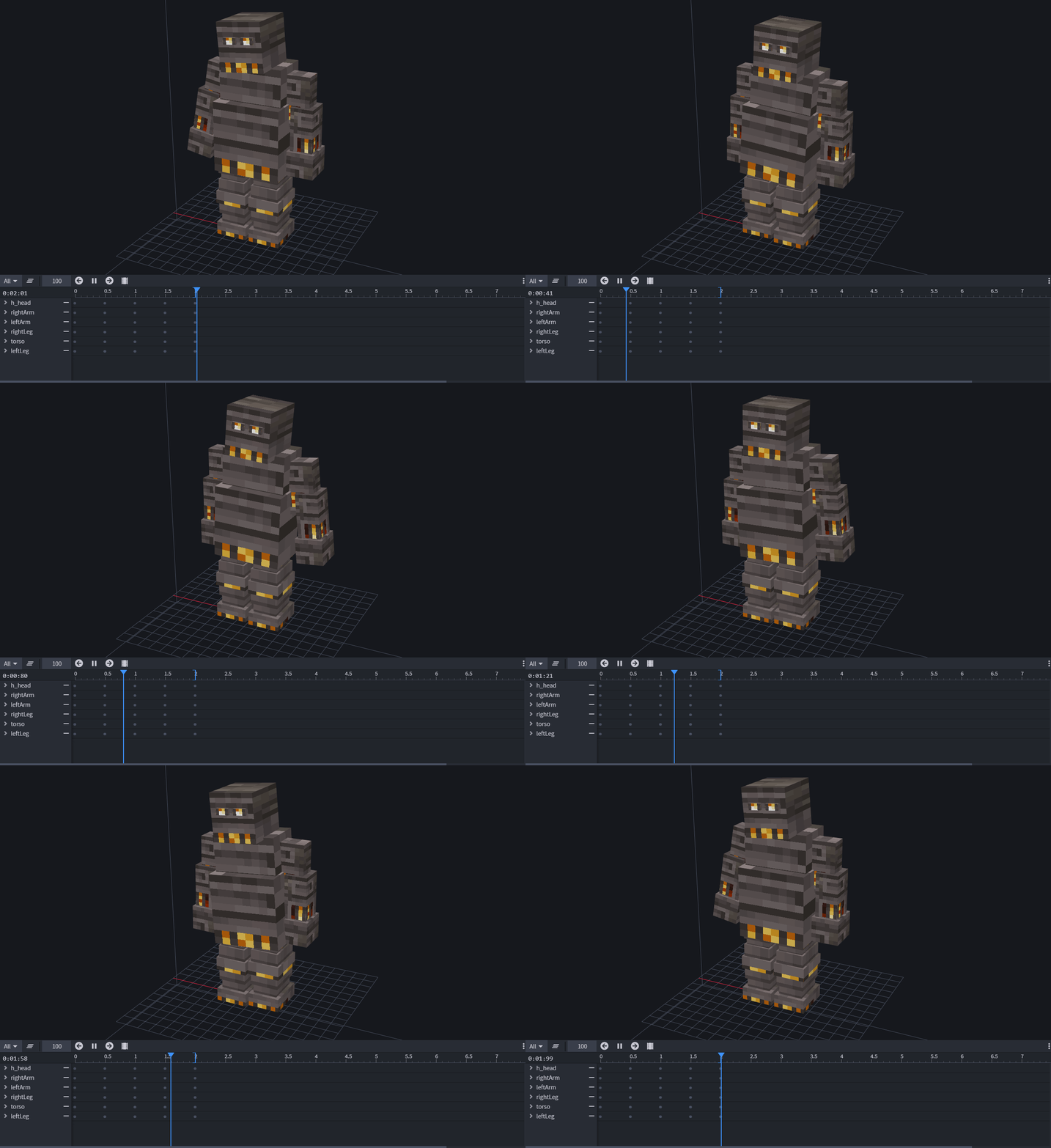
#### idle [Loop]
#### idle [Loop]
> 
> 
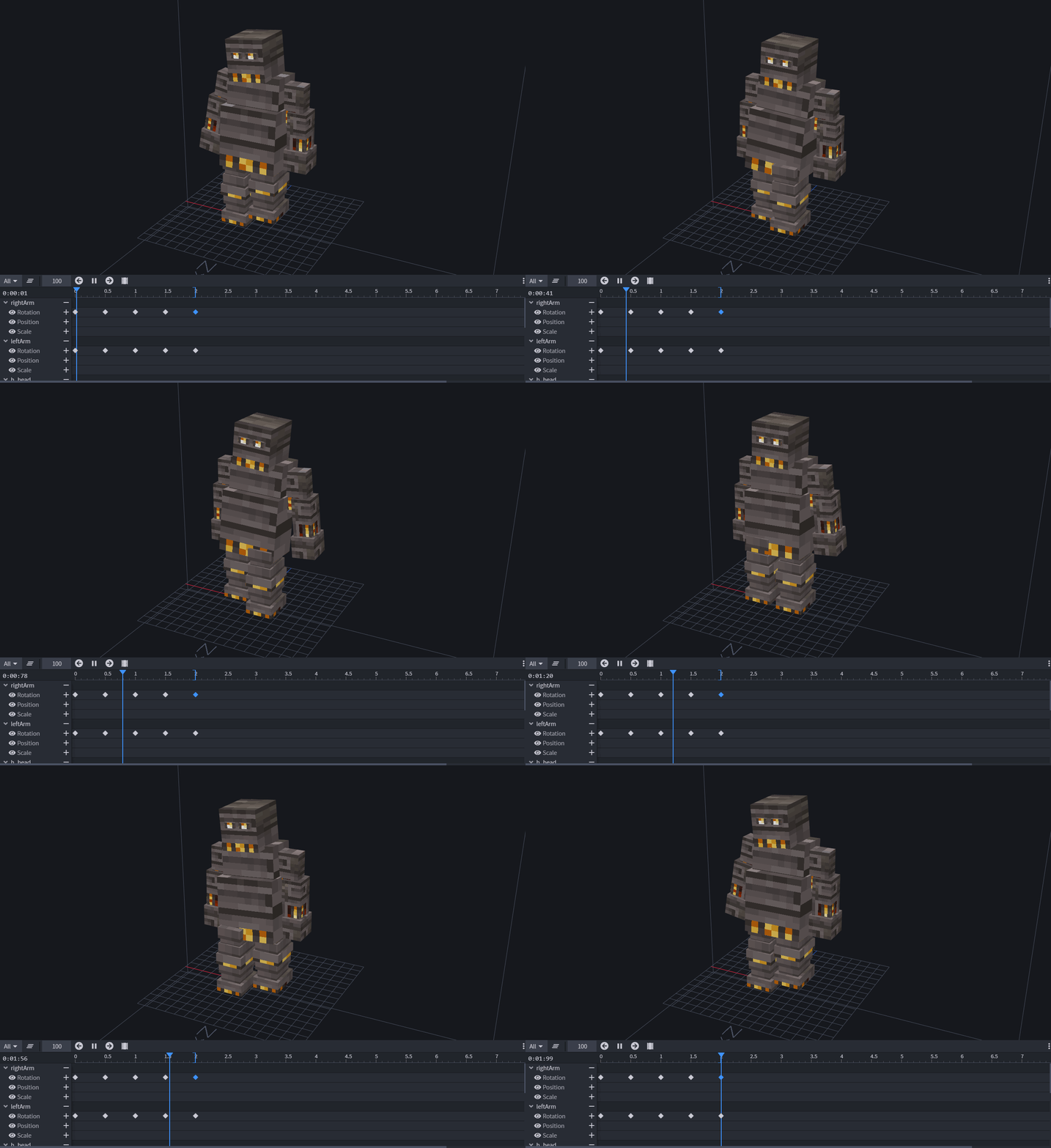
#### walk [Loop]
#### walk [Loop]
> 
> 
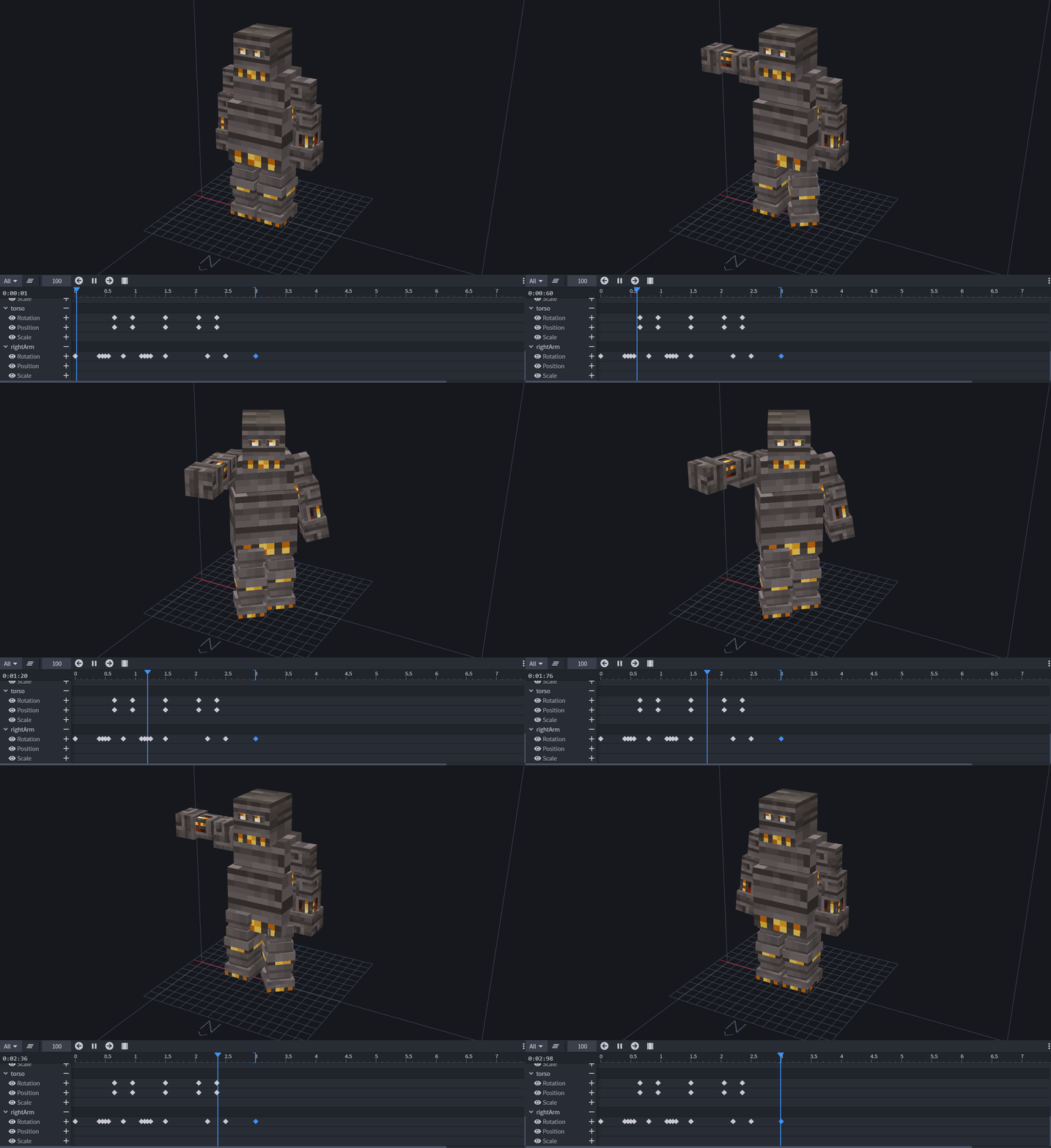
####
attack
[Override]
####
feed
[Override]
> 
> 
These are 3 very basic animations done simply by moving and rotating a few parts. However, more complicated animations
These are 3 very basic animations done simply by moving and rotating a few parts. However, more complicated animations
are also done by such methods, only using more frames to create more fluid movements. Since this model is a robot,
are also done by such methods, only using more frames to create more fluid movements.
robotic movements are fine.
## Importing Animations
## Importing Animations
...
@@ -97,4 +96,4 @@ Animations are automatically imported through the `.bbmodel` file you provided.
...
@@ -97,4 +96,4 @@ Animations are automatically imported through the `.bbmodel` file you provided.
With enough patience, you too can achieve something like this:
With enough patience, you too can achieve something like this:

[
](https://youtu.be/TyxtEDoYud8)
\ No newline at end of file
\ No newline at end of file
