Changes
Page history
Update Creating-a-Model.md
authored
Sep 23, 2023
by
Ticxo
Show whitespace changes
Inline
Side-by-side
Modeling/Creating-a-Model.md
View page @
ed1e2b9f
...
...
@@ -9,7 +9,7 @@ animating.
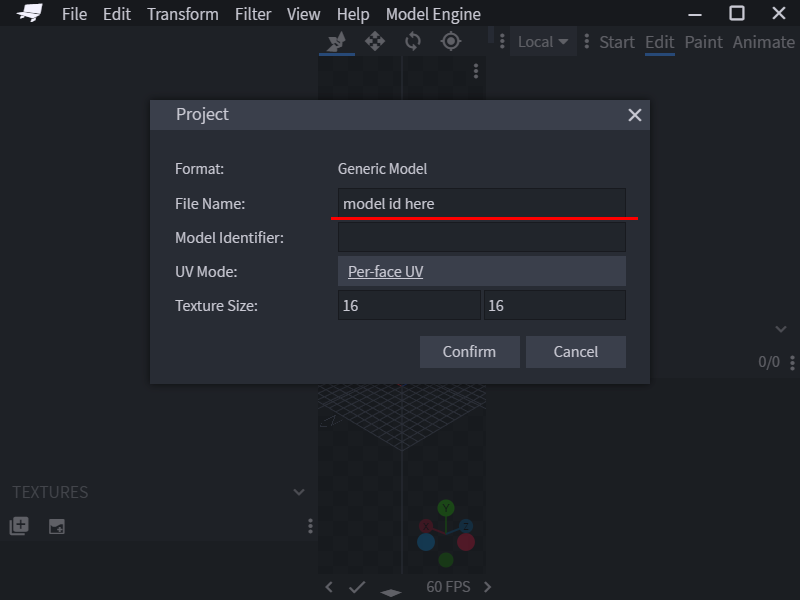
To start modeling, create a new Generic Model project in the start page. And fill in
`File Name`
.
`File Name`
would be
the ID of the model in Model Engine, so choose wisely.
> 
> 
> 
Before moving any further, there are a few very essential concepts you must learn.
...
...
@@ -41,7 +41,7 @@ the bone.
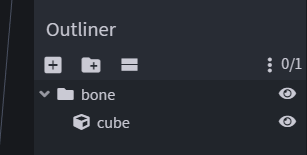
> 
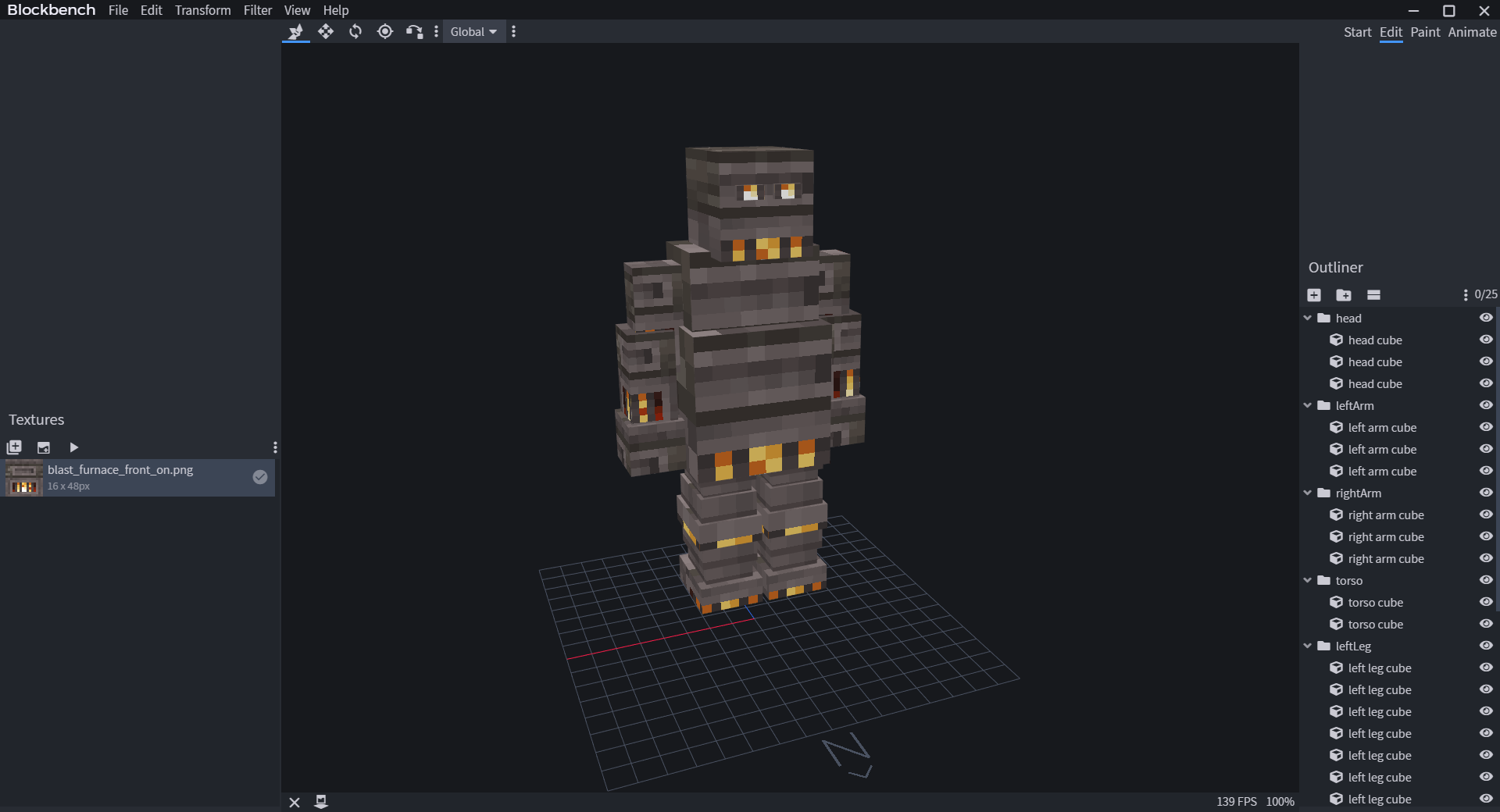
Let's make a simple animal model. Meet Mr. Capybara!
> 
> 
When modeling, make sure you look at the grid in Blockbench and see if your model is facing North. Model Engine uses
North as the default forward direction. The grid is 16x16 pixels big, or 1 block big if you need a sense of scale.
...
...
@@ -54,15 +54,15 @@ North as the default forward direction. The grid is 16x16 pixels big, or 1 block
No, this has nothing to do with teaching children.
Parenting is when one bone is placed inside another bone. The outside bone is the parent, and the inside bone is the
child. This is useful because the child bone will follow the parent bone
while
[
animating
](
https://raw.githubusercontent.com/Ticxo/Model-Engine-Wiki/wiki/Everything-about-animating
)
the model.
while
[
animating
](
Animating-a-Model.md
)
the model.
It is a nice practice to create a parent-child bone hierarchy, so that when animating, bones will stay at the correct
position.
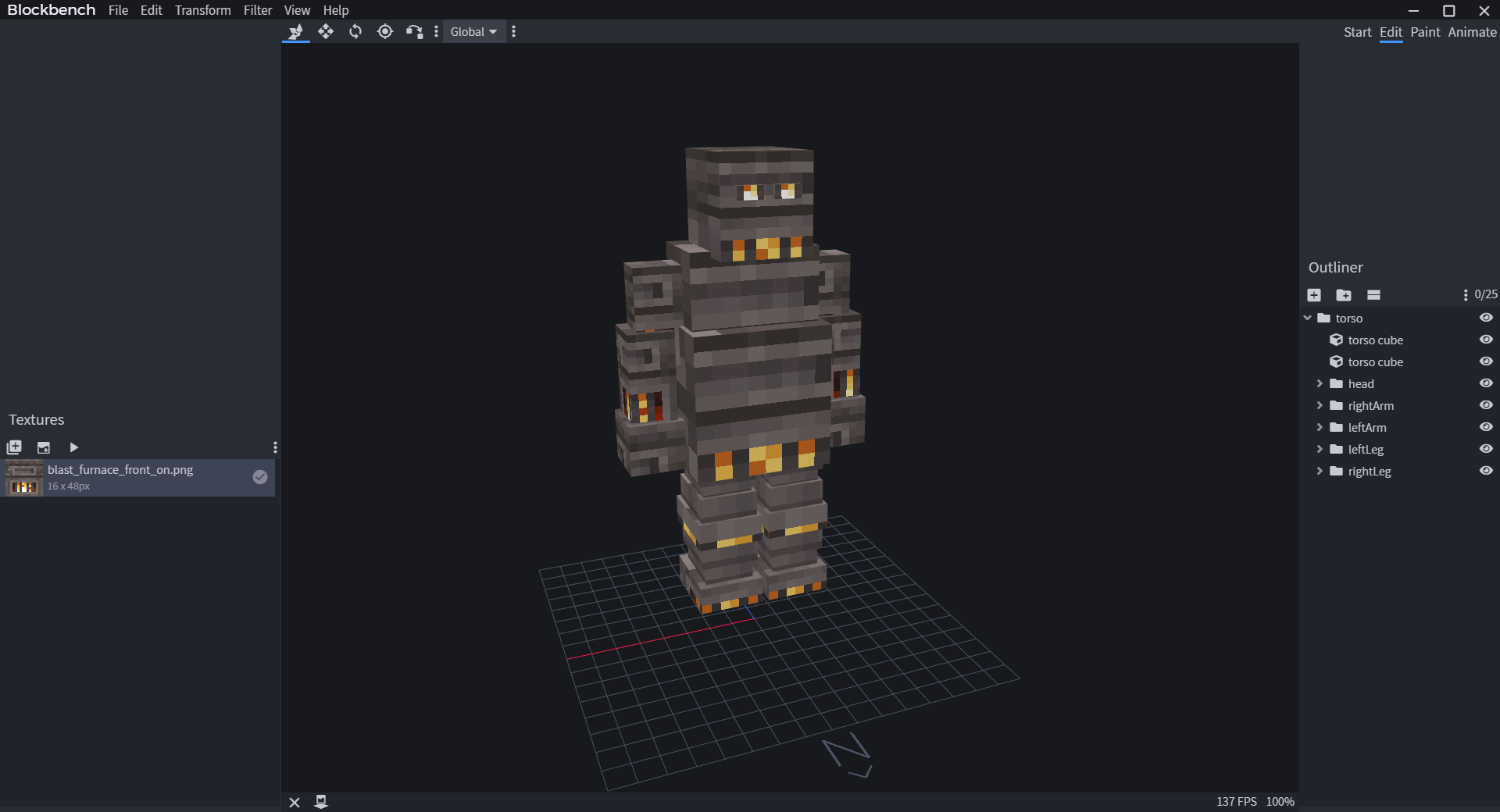
Usually, bones are paired according to their connection. For example, connecting
`Arm`
(child) to
`Body`
(parent) so
that
`Arm`
will stick to
`Body`
, no matter how
`Body`
moves or rotates.
Let's do this to
Kindletron JR.
as well.
> 
Let's do this to
Mr. Capybara
as well.
> 
## Pivot Point
...
...
@@ -72,7 +72,7 @@ else they will rotate strangely when you animate it.
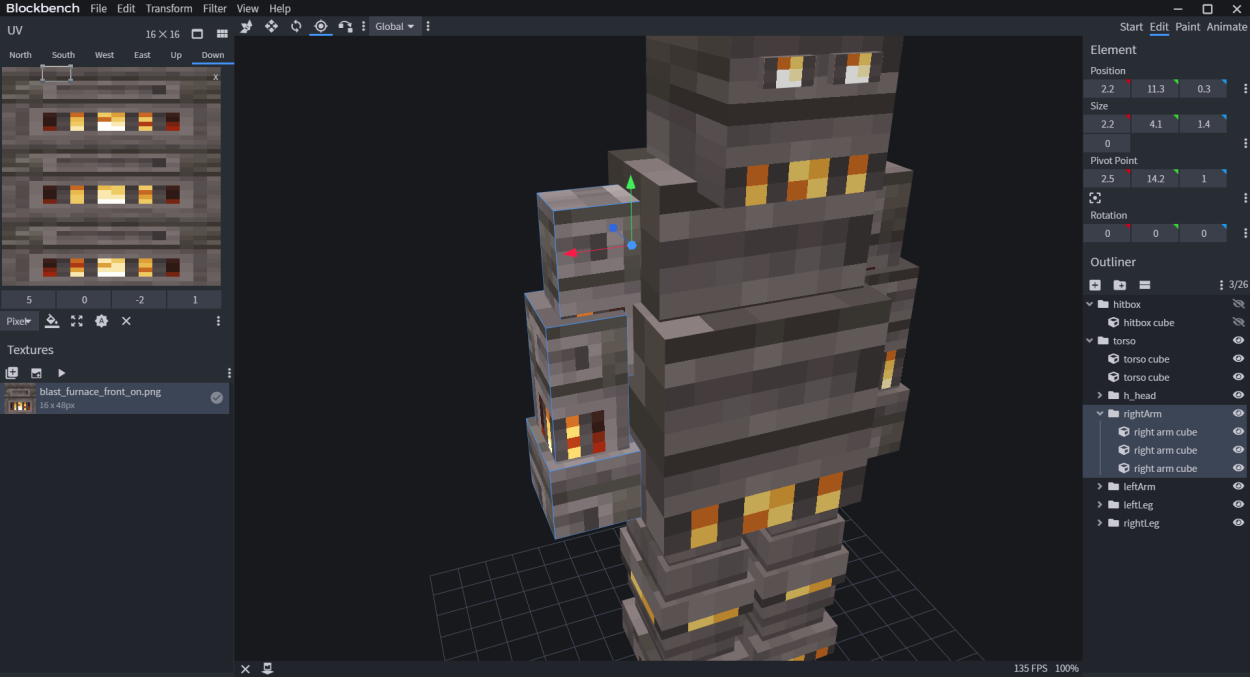
You can set a bone's pivot point in BlockBench by selecting the pivot tool, then selecting the bone folder (NOT CUBE),
and drag the pivot point.
> 
> 
## Special Bone Behaviors
...
...
...
...
