Changes
Page history
Updated images
authored
Sep 23, 2023
by
Ticxo
Show whitespace changes
Inline
Side-by-side
Modeling/Creating-a-Model.md
View page @
4059cc2e
...
...
@@ -8,7 +8,7 @@ animating.
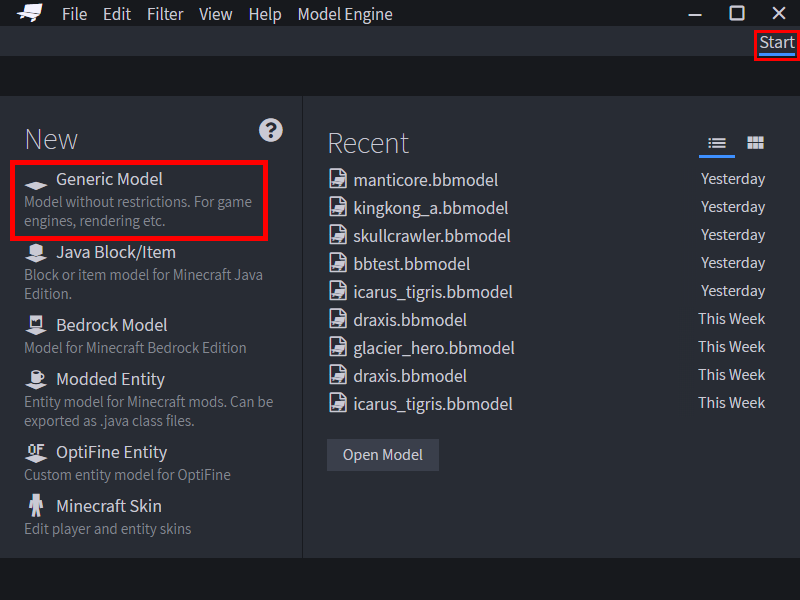
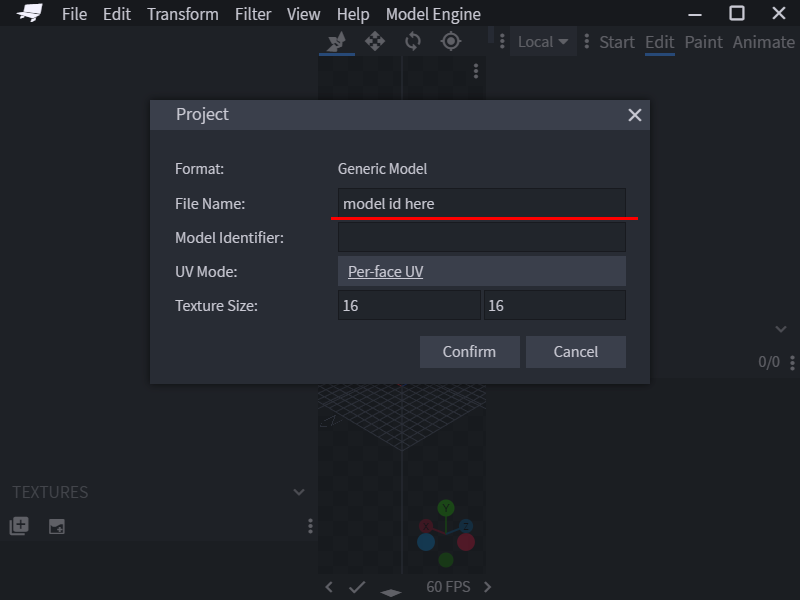
To start modeling, create a new Generic Model project in the start page. And fill in
`File Name`
.
`File Name`
would be
the ID of the model in Model Engine, so choose wisely.
> 
> 
> 
Before moving any further, there are a few very essential concepts you must learn.
...
...
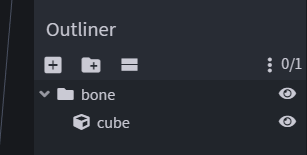
@@ -40,7 +40,7 @@ In Blockbench, you can create a `Bone` by adding a folder/group to the outliner.
the bone.
> 
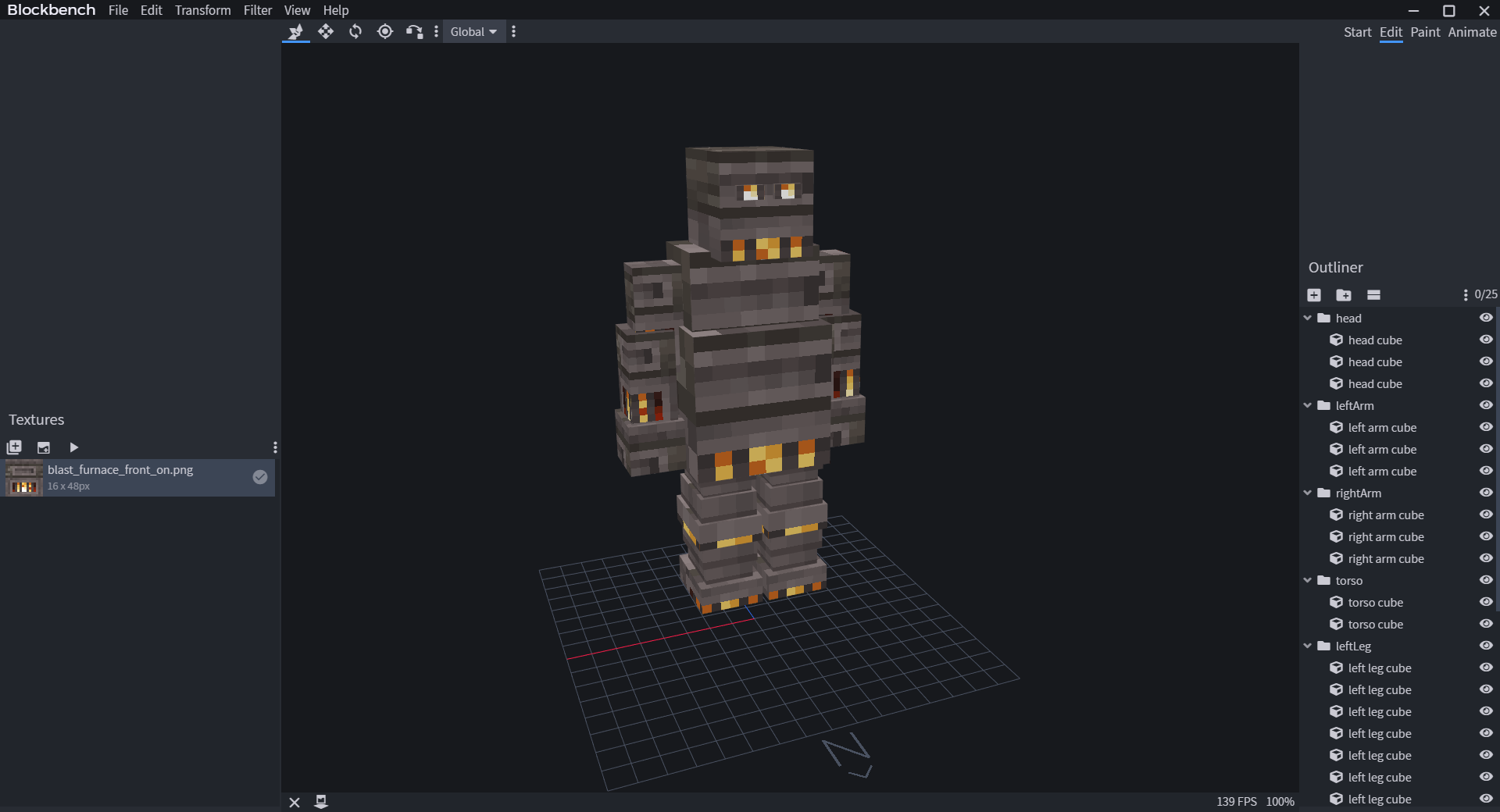
Let's make a simple
humanoid
model. Meet
Kindletron JR.
Let's make a simple
animal
model. Meet
Mr. Capybara!
> 
When modeling, make sure you look at the grid in Blockbench and see if your model is facing North. Model Engine uses
...
...
...
...
