Changes
Page history
Updated images
authored
Sep 23, 2023
by
Ticxo
Show whitespace changes
Inline
Side-by-side
Modeling/Creating-a-Model.md
View page @
4059cc2e
...
@@ -8,7 +8,7 @@ animating.
...
@@ -8,7 +8,7 @@ animating.
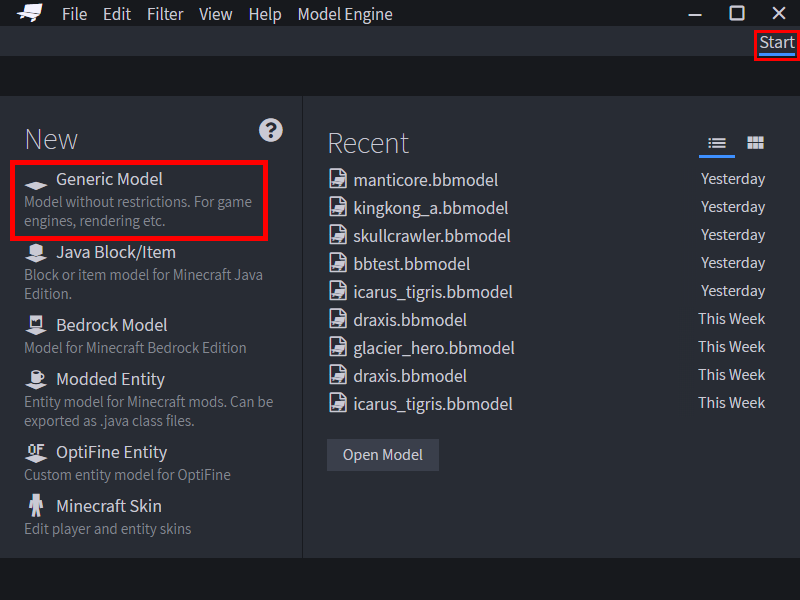
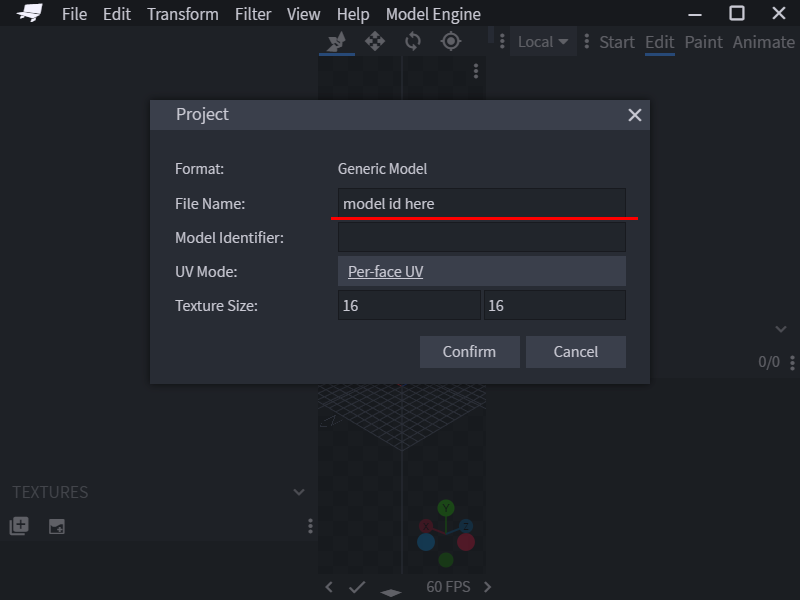
To start modeling, create a new Generic Model project in the start page. And fill in
`File Name`
.
`File Name`
would be
To start modeling, create a new Generic Model project in the start page. And fill in
`File Name`
.
`File Name`
would be
the ID of the model in Model Engine, so choose wisely.
the ID of the model in Model Engine, so choose wisely.
> 
> 
> 
> 
Before moving any further, there are a few very essential concepts you must learn.
Before moving any further, there are a few very essential concepts you must learn.
...
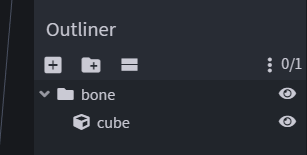
@@ -40,7 +40,7 @@ In Blockbench, you can create a `Bone` by adding a folder/group to the outliner.
...
@@ -40,7 +40,7 @@ In Blockbench, you can create a `Bone` by adding a folder/group to the outliner.
the bone.
the bone.
> 
> 
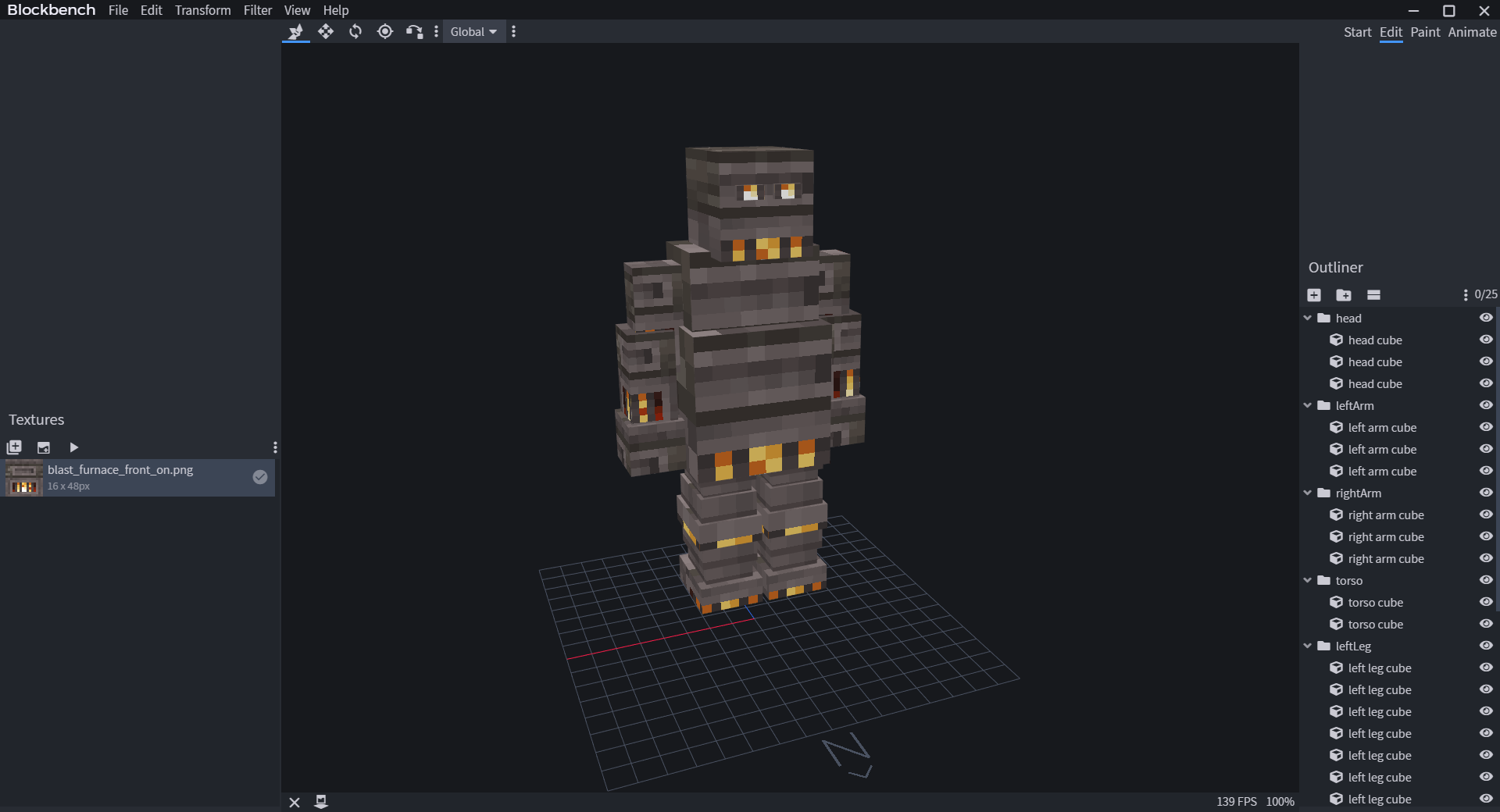
Let's make a simple
humanoid
model. Meet
Kindletron JR.
Let's make a simple
animal
model. Meet
Mr. Capybara!
> 
> 
When modeling, make sure you look at the grid in Blockbench and see if your model is facing North. Model Engine uses
When modeling, make sure you look at the grid in Blockbench and see if your model is facing North. Model Engine uses
...
...
...
...
